
Last updated: November 19, 2026
Quick Answer: For how to manage subscriber replies and feedback on an AI tools newsletter, use 3 buckets, 2 inbox checks a day, and 1 shared log. That simple setup keeps replies moving without turning email into a second job.
Key Takeaways
- Start by sorting every reply into support, feedback, or feature-request buckets.
- Use a daily limit, one handoff rule, and one place to record each message.
- Tag feedback with a small label set that matches later decisions.
- Log suggestions, group repeats, and promise action only when they affect the next issue.
Subscriber replies are often the quickest practical way to learn what readers want, what confuses them, and what they’ll forward to a friend. The right system is a shared inbox, clear tags, and a daily triage habit. The sections below show how to sort, answer, and turn feedback into useful editorial choices in How to manage subscriber replies and feedback on an AI tools newsletter.
What to do with replies the moment they arrive

Start by sorting every reply into one of three buckets: support issue, content feedback, or feature request. That one split keeps your inbox from turning into a pile of half-read notes and “thanks!” messages you never touch again.
For example, you open Gmail after a newsletter send, and the replies are mixed together with unsubscribe questions, tool corrections, and a reader who wants more automation examples. You need a fast way to decide what gets answered now, what gets logged, and what can wait until tomorrow. That is reply triage.
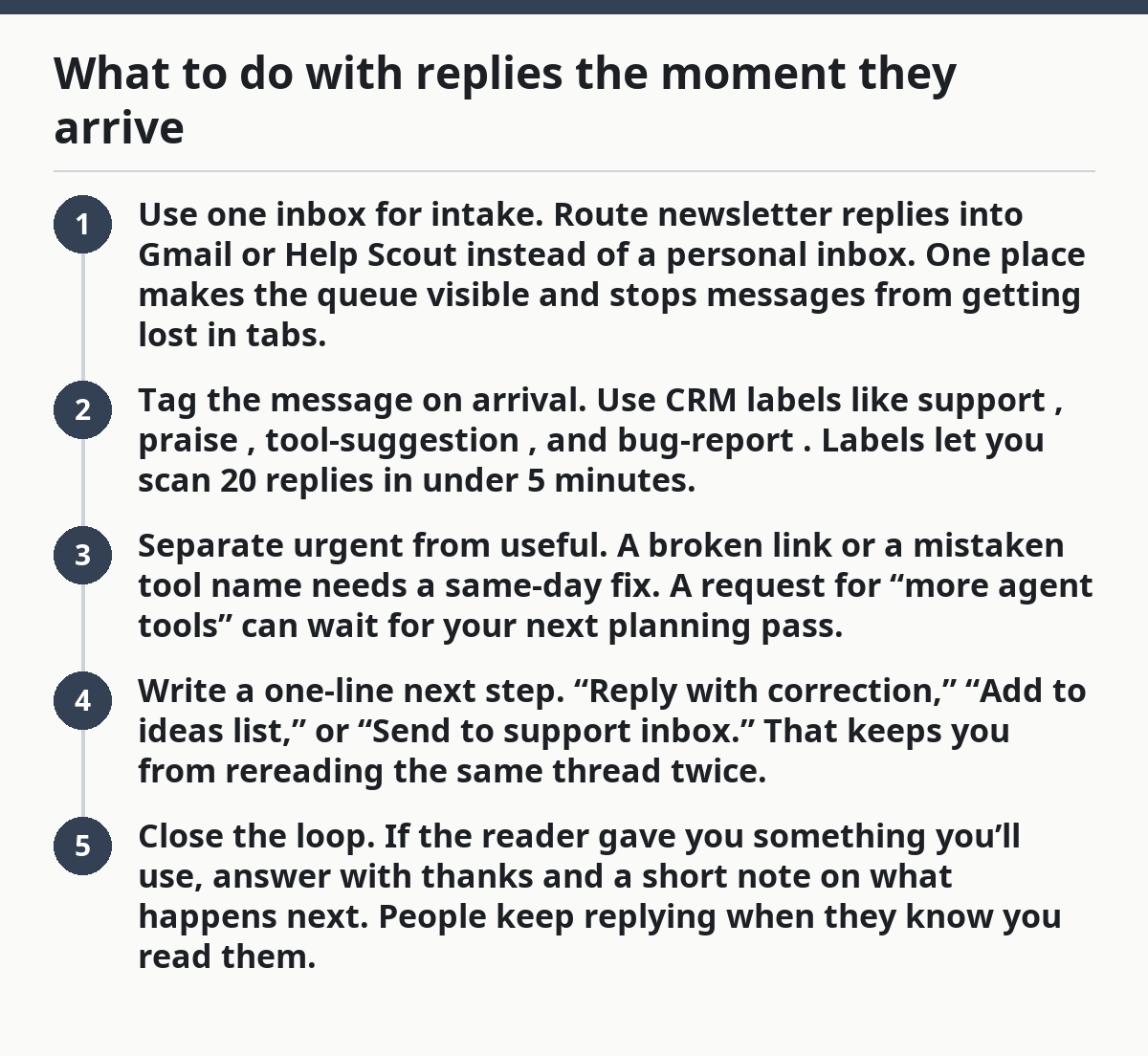
- Use one inbox for intake. Route newsletter replies into Gmail or Help Scout instead of a personal inbox. One place makes the queue visible and stops messages from getting lost in tabs.
- Tag the message on arrival. Use CRM labels like
support,praise,tool-suggestion, andbug-report. Labels let you scan 20 replies in under 5 minutes. - Separate urgent from useful. A broken link or a mistaken tool name needs a same-day fix. A request for “more agent tools” can wait for your next planning pass.
- Write a one-line next step. “Reply with correction,” “Add to ideas list,” or “Send to support inbox.” That keeps you from rereading the same thread twice.
- Close the loop. If the reader gave you something you’ll use, answer with thanks and a short note on what happens next. People keep replying when they know you read them.
The best part is that you do not need a complex system for this. A basic Gmail label set and a shared Help Scout inbox can handle the first layer of sorting without changing your whole workflow.
How do you manage newsletter replies without drowning in them?
You manage newsletter replies by setting a daily limit, a shared handoff rule, and one place where every message gets recorded. That keeps the inbox from becoming a second job.
Because of that, the number of replies matters less than the pattern. Ten thoughtful notes after each issue can be more useful than 100 short reactions, if you can sort them without burning the morning on email. If you skip a process, the replies can start to feel random and personal instead of editorial.
A simple daily routine
- Check replies at two fixed times. Many small newsletter teams use morning and late afternoon, not constant inbox watching. That gives you 2 review windows instead of 20.
- Scan for action words first. Look for “wrong,” “missing,” “can you,” “please,” and “idea.” Those usually mean the note needs a response or a tag.
- Send quick replies from templates. A short “Thanks, I’m logging this” saves time when the reader just wants to know they were heard.
- Move each message once. Decide, tag, answer, or archive. Don’t leave it in the middle.
- Review the queue weekly. A 15-minute review on Friday shows which topics repeat and which replies should shape future issues.
Use Help Scout if you want a shared support inbox with assignments and saved replies. Use Gmail if your volume is still low and you mainly need labels, filters, and stars. Use Typeform or Google Forms if you want feedback to arrive through a form instead of email.
Who this is not for: If you already get a large stream of support questions, a plain personal inbox will likely fail you. A shared help desk, not a mailbox, is usually the better fit, though you may want to consult a support professional if your setup is already strained.
How should you tag feedback so it turns into useful editor notes?
You should tag feedback with a small set of labels that match the decisions you actually make later. If a tag never changes what you publish, it is just decoration.
For instance, a reader praises a tool roundup, another asks for “more beginner stuff,” and a third points out that a link now sends people to the wrong page. Those are not the same kind of feedback, and they should never land in the same bucket. Your tags should make the difference obvious in 2 seconds.
A practical tag set for an AI tools newsletter looks like this:
- Content praise — the reader liked the issue, the angle, or the format
- Feature request — they want a new section, tool category, or format
- Correction — a factual mistake, broken link, or outdated detail
- Support issue — delivery, unsubscribe, formatting, or access problems
- Moderation — spam, abusive language, or off-topic promotion
- Reader suggestion — a tool, workflow, or use case worth checking later
Keep the list under 8 tags at first. More than that, and you’ll hesitate at the point of triage, which is where speed matters most.
If you use CRM labels, make the names readable at a glance. tool-suggestion is better than idea_04. A clear label makes weekly review easier, especially when you scan replies in Gmail and move the strongest notes into Help Scout or your CRM.
The trade-off is obvious: a small tag set is less precise, but it gets used. A perfect taxonomy nobody applies is dead on arrival. Start with the labels above, then split one only when it becomes overloaded.
What should you do with reader suggestions and feature requests?
You should log them, group them, and only promise action when they affect the next issue. Reader suggestions are valuable, but they can also drag the newsletter off course if every idea gets treated like a mandate; if the stakes are high, consult a professional before changing the process.
Since readers do not always want the same thing the editorial plan wants, you need a filter. A person might ask for longform tool reviews when the issue works best as a fast scan. Another reader might want more no-code tools while your audience actually responds to AI search and agent workflows. Good feedback helps you decide; it does not set the whole agenda.
A clean way to process suggestions
- Capture the exact wording. Save the reader’s phrasing in the CRM or note field before you summarize it.
- Mark the theme. Tag it as
beginner,advanced,pricing,automation,agents, orworkflowif that helps your issue planning. - Count repeats, not noise. One request is a note. Three or more similar notes are a pattern worth reviewing.
- Decide the response path. Some suggestions become a future issue topic. Some become a single link in a reply. Some get declined.
- Reply with a boundary. “I’m not changing the whole format, but I’m adding a short tools-by-use-case section next month.” That is honest and still useful.
Typeform and Google Forms work well when you want structured input after each send. A short form can ask for “most useful tool,” “missing topic,” and “one thing to change.” Email replies are better when you want nuance or examples. Use both if you need breadth and detail.
A suggestion becomes editorial material only when it repeats, fits the audience, and does not break the issue’s main job. Anything else belongs in the archive of ideas, not in next week’s send.
How do you handle support messages, moderation, and complaints?
You handle support messages, moderation, and complaints by separating them from editorial feedback and giving them a fast, plain reply path. Those messages are about trust, not taste.
For example, someone writes that your latest issue feels spammy, another person flags a broken unsubscribe link, and a third leaves a promotional reply that belongs nowhere near your audience. If you treat all three the same, you can waste time and miss the one that needs a quick fix; if the issue is sensitive, consult a professional before you change moderation or support policy.
Use a three-part rule
- Support issues go to the support inbox or Help Scout.
- Moderation issues get hidden, removed, or ignored, depending on the channel.
- Complaints get a calm reply if they point to a real problem.
In Gmail, that can mean a label like support plus a star for anything that needs same-day attention. In a shared inbox, it can mean assigning the thread to the person who can fix it. A broken link or bad send-time is not a content debate; it is an operational problem.
Be careful with moderation. A reader suggestion that is blunt is not the same as spam. But repeated self-promotion, affiliate dumping, or abusive language should not stay in the conversation. The line is usually simple: does this message help the newsletter, or does it only use the newsletter?
The honest trade-off is time. A fast response makes the newsletter feel alive, but every extra reply steals minutes from the next issue. That is why the queue needs rules, not mood.
What does a weekly feedback loop look like in practice?
A weekly feedback loop turns scattered replies into decisions you can actually use. It gives you one place to review patterns instead of reacting to each message as if it were a one-off emergency.
For instance, Friday afternoon arrives, and your inbox has 37 new replies from the week’s issue. Some are useful, some are noise, and some are the same idea in different words. You do not need a fancy dashboard; you need a 20-minute review that ends with a short list of changes.
Use this weekly review checklist
- Count the top tags. Look at which labels repeat most often: praise, correction, feature request, support, or moderation.
- Pull out 3 examples. Save three replies that best represent the week’s main feedback theme.
- Decide one action. Fix a broken link, add a topic, adjust a subject line angle, or refine a section in the next send.
- Park the rest. Ideas that do not fit this month stay in the backlog.
- Write one note to yourself. A sentence like “Readers want more workflow examples, not more tool lists” helps the next issue.
This is where CRM labels earn their keep. They make it easier to see patterns over a month, not just one send. If a tag keeps showing up in every weekly review, it has earned a place in your workflow.
For more on the bigger system around issue planning and delivery, the hub on Newsletter structure and editorial strategy fits here. This page only covers the reply loop after the issue lands.
What common mistakes slow this whole system down?
The biggest mistakes are answering every reply the same way, keeping too many tags, and letting good feedback disappear into a personal inbox. Each one costs you time and makes the next send less informed.
A lot of newsletter operators think the problem is volume. Usually it is structure.
- Mistake: no triage rule. Cost: you answer praise before fixing a broken link. Better move: sort by action first.
- Mistake: too many labels. Cost: tagging takes longer than reading. Better move: keep the first pass to a small set you’ll use every week.
- Mistake: no owner. Cost: support threads sit unread. Better move: route them to one inbox or one person.
- Mistake: treating suggestions as orders. Cost: the newsletter loses focus. Better move: log ideas, then choose the ones that fit the issue.
If your newsletter is still small, Gmail may be enough. Once replies start crossing into support territory, Help Scout or another shared inbox becomes the better fit. That switch is not about polish; it is about not losing threads.
The hard truth is that feedback systems fail when they depend on memory. A 10-second label is better than a vague promise to “deal with it later.” Later is where useful replies go to die.
How do you manage newsletter replies?
You manage newsletter replies by sorting each message into support, feedback, or feature request, then answering or tagging it right away. A shared inbox like Help Scout or a labeled Gmail setup keeps the queue visible. A daily 2-pass review usually works better than constant inbox checking.
How do you collect feedback from subscribers?
You collect feedback from subscribers through email replies, Google Forms, or Typeform, depending on how structured you want the input to be. Email gives you detail and tone; forms give you cleaner categories. If you use both, keep the form short so readers finish it.
What should you do with reader suggestions?
You should log reader suggestions, group similar ones, and only act on the ones that repeat or fit the newsletter’s purpose. A single suggestion is a note; repeated suggestions become a signal. Reply to the reader when you can, even if the idea won’t make the next issue.
Drafted with AI; not yet reviewed by a person.
