
Last updated: November 19, 2026
Quick Answer: a one-person team can build a repeatable newsletter workflow in 4 steps—collect, draft, edit, ship—and keep it steady with a short publishing checklist. In this guide to How to build a repeatable newsletter workflow for one-person teams, the goal is to reduce handoffs, save time, and make each issue easier to finish.
Key Takeaways
- A repeatable workflow uses one path from idea to send.
- Research should turn into a usable outline, not a bookmark pile.
- Drafting goes faster when you write from the outline.
- Editing should tighten errors, sharpen the angle, and keep mobile reading easy.
A one-person newsletter workflow works when the same steps happen in the same order every week, with clear handoff points and a publishing checklist. The sections below show how to build that repeatable newsletter workflow without a big team.
Build the workflow around one weekly path

A repeatable workflow starts with one path from idea to send, not a pile of loose tasks. Picture this: you have 90 minutes before a draft is due, and you need a clear route through research, writing, edit, and publish without guessing what comes next.
The fix is a 4-step editorial workflow that runs in the same general order: collect, draft, edit, ship. That does not mean every issue looks identical. It means the work has the same shape, so your brain stops spending energy on process.
- Collect inputs in one place. Use one inbox, one note app, or one doc for links, ideas, and snippets. A solo creator loses time when research lives in six tabs and two chat threads.
- Turn inputs into a short outline. Give each issue a lead, 2-4 points, and a closing action. That keeps the draft from becoming a dump of links.
- Write the first draft in one sitting. Aim for a complete draft, not a perfect one. The goal is a version you can edit in under 30 minutes.
- Run the checklist before send. Check subject line, links, spelling, formatting, and one final read on mobile. The result should be a piece you can publish without re-reading every sentence three times.
A generic article often stops at “be consistent.” That misses the point. Consistency comes from a fixed order and a fixed set of outputs. Once the path is set, your workflow becomes faster without becoming sloppy.
What should the research step look like in a repeatable newsletter workflow?
The research step should produce a usable outline, not a pile of bookmarks. Picture this: you open your note file on Monday morning and need enough material for one issue in 15 minutes, not one hour of scrolling.
For a solo creator, the research job is to sort. You are not building a library; you are choosing what deserves space in this issue. The most reliable setup is a single intake list with three buckets: worth using, maybe later, and ignore.
Use a simple triage rule:
- Worth using: fits the topic, is current, and has a clear angle
- Maybe later: good source, but not this week’s lead
- Ignore: thin, repetitive, or hard to explain in plain language
The truth is, research fails when it gets too broad. If every interesting item gets saved, the draft stage turns into cleanup. Keep the intake list short. Five to ten strong items are usually enough for one issue, especially if the newsletter has a narrow theme like AI tools, marketing tips, or product updates.
A good research note has three parts: the source, the point, and the use. For example, “Product X added export” is not enough. Write why it matters, who cares, and where it might fit in the issue. That small habit saves you from rereading the same link later.
How do you draft without stalling?
You draft faster when you write from the outline, not from the blank page. Picture this: you have 45 minutes blocked, your notes are sorted, and you need to turn them into a clear issue before the day gets taken over by messages.
Start with the lead sentence, then write the middle, then return to the subject line. That order matters because the lead decides the angle. If you write the opener last, you can match it to the real shape of the draft instead of forcing a clever line onto weak content.
A useful drafting routine looks like this:
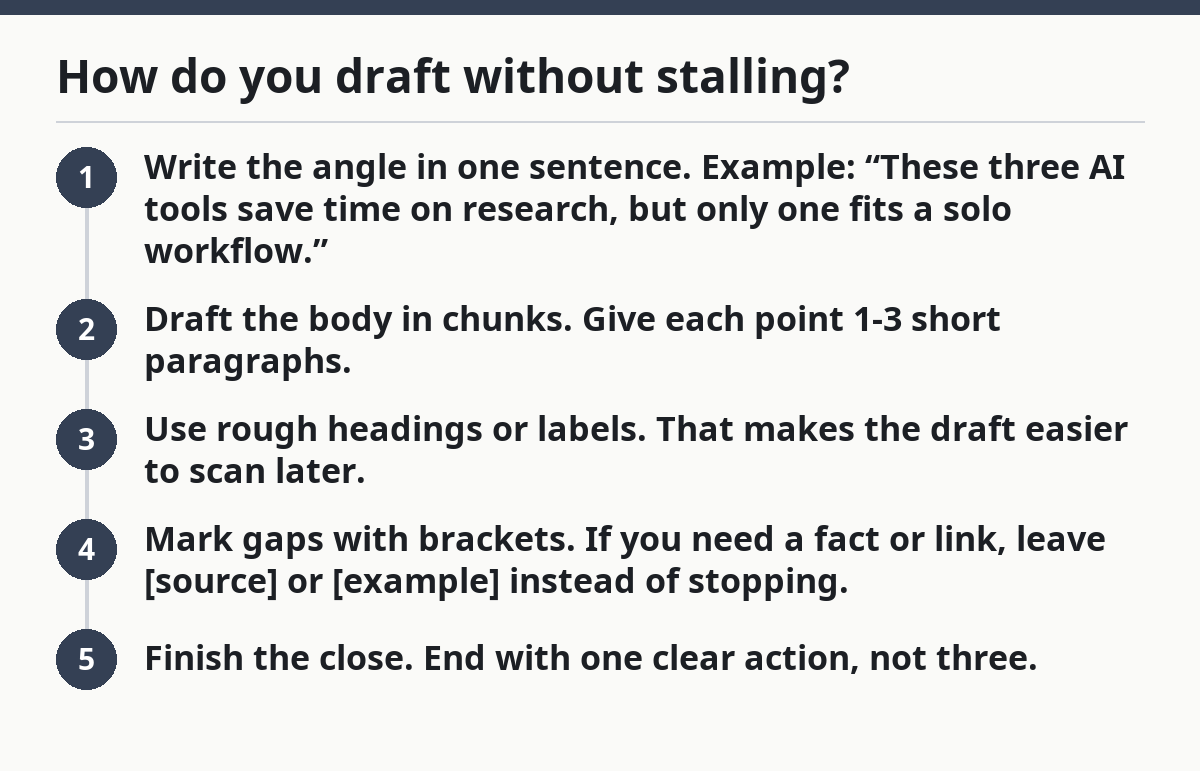
- Write the angle in one sentence. Example: “These three AI tools save time on research, but only one fits a solo workflow.”
- Draft the body in chunks. Give each point 1-3 short paragraphs.
- Use rough headings or labels. That makes the draft easier to scan later.
- Mark gaps with brackets. If you need a fact or link, leave
[source]or[example]instead of stopping. - Finish the close. End with one clear action, not three.
A common mistake is trying to draft and edit at the same time. That costs momentum. Write badly on purpose if that is what gets the page done. You can tighten later. You cannot edit a blank document.
On the other hand, don’t use a huge template that forces every issue into the same mold. A rigid 12-block structure sounds efficient, but it often creates filler. Keep the outline light: lead, proof, takeaway, action. That’s enough for most solo workflows.
How should you edit the issue before it goes out?
The editing step should cut errors, tighten the angle, and make the newsletter easy to scan on a phone. Picture this: the draft is done, but it still feels slightly loose, and you have 20 minutes before send time to catch what readers will notice first.
Edit in layers. First read for structure. Then read for language. Then read for mechanics. That sequence is faster than fixing commas while the whole piece still has the wrong point.
A practical editing pass:
- Pass 1: structure. Does the opening match the promise? Does each section earn its spot?
- Pass 2: clarity. Are there sentences with two ideas in one breath?
- Pass 3: mechanics. Check links, names, capitalization, and formatting.
- Pass 4: mobile scan. Do any paragraphs look too dense on a small screen?
The best way to save time is a publishing checklist. Keep it short enough that you will actually use it every time. A good checklist might include:
- subject line
- preheader
- body links
- one final read
- send time
- archive copy
A generic edit list says “proofread carefully.” That’s weak. A real workflow gives you a finish line. It also gives you a stop rule: if the checklist is done, you ship. If not, you fix only the item in front of you. That keeps a one-person team from polishing forever.
What should be batched, and what should stay separate in a newsletter workflow?
Batching should group similar tasks, while live decisions stay close to send time. Picture this: you have three issues to prepare, and you need a way to work in blocks without mixing research, writing, and final approval into one long blur.
Batching helps because context switching is expensive. A solo creator wastes time every time the brain jumps from headline writing to link checking to layout cleanup. Group the same task across multiple issues whenever possible.
Useful tasks to batch:
- topic research for the week
- draft outlines for 2-3 issues
- image or asset preparation
- final link checking
- subject line testing if you use it
Keep these tasks separate:
- final angle choice
- current references that may change
- send approval
- any last-minute correction that affects the whole issue
The honest trade-off is simple: batching improves speed, but it can make you too far ahead of the news. If your newsletter depends on current events or product updates, batch the structure, not the facts. Draft the shell in advance, then fill the live details close to publish time.
A good rhythm for one-person teams is a weekly split: one block for collecting, one for drafting, one for editing, one for sending. The blocks do not need to be equal. A 25-minute research session and a 60-minute writing session can work just fine if they happen the same way every week.
Which tools and handoff points keep a solo workflow sane?
The right tools are the ones that reduce handoffs, not the ones with the most features. Picture this: your notes are in one app, your draft is in another, and your send platform lives somewhere else. Each move adds friction, and friction kills consistency.
You do not need a giant stack. You need a small set of tools that covers three jobs: capture, compose, and publish. Many one-person teams can run with a note app, a writing app, and a newsletter platform. If the newsletter platform also stores templates, that cuts one handoff.
The important part is the handoff point. Decide exactly when an item leaves one stage and enters the next. For example:
- research note becomes an outline when it has a lead and 2-4 points
- outline becomes a draft when every point has at least one paragraph
- draft becomes a send-ready issue after the checklist is clear
That rule matters because vague handoffs create drag. If “draft” sometimes means half-written and sometimes means nearly done, nothing feels finished.
This is where many generic guides get it wrong. They talk about tools as if the tool is the system. It isn’t. The system is the order of work. The tool only has to support that order. Choose the simplest setup that lets you move from one stage to the next without copying the same content four times.
For a broader setup, the hub on [How to Start a Free AI Tools Newsletter] can sit above this page and frame the bigger strategy, while this article stays focused on the working system. For related process help, see [How to Plan a Newsletter Content Calendar] and [How to Write Newsletter Subject Lines That Get Opened].
How do you keep the workflow repeatable month after month?
You keep it repeatable by reviewing the process, not just the result. Picture this: the issue went out, the inbox is calmer, and now you need to make sure next week is easier, not just finished.
At the end of each send, spend 10 minutes on three questions: what slowed me down, what should be reused, and what should be removed. That is enough to improve a solo workflow without turning it into a project.
A simple monthly reset helps:
- save the best subject lines
- keep the strongest outlines
- drop steps you never use
- note which section takes the longest
- update the checklist if a mistake repeats
The key is to treat the process like a living document. A workflow that never changes can get stale. A workflow that changes every week never settles. Review it once a month, make one or two edits, then leave it alone long enough to prove whether it works.
You do not need more willpower. You need fewer decisions. A repeatable newsletter workflow is just a series of small defaults that reduce friction. When the defaults are good, one person can run a steady editorial engine without burning the whole week.
What should be automated in a newsletter workflow?
Automate the repetitive steps, not the editorial judgment. That means reminders, formatting, link checks, scheduling, and template insertion are good candidates. The subject line, angle, and final edit should stay human, because those choices shape the actual issue.
How do solo creators manage newsletter production?
Solo creators manage production by using a fixed order, short checklists, and batch work. The trick is to separate research, drafting, editing, and publishing so each stage has one job. That reduces context switching and makes it easier to finish an issue even on a busy week.
Drafted with AI; not yet reviewed by a person.
